
Overview
This article provides instructions on how to convert a JSON file to XML using the eFORMz Composer.
Requirements
- eFORMz Composer software installed.
- A JSON file to be converted.
Procedure
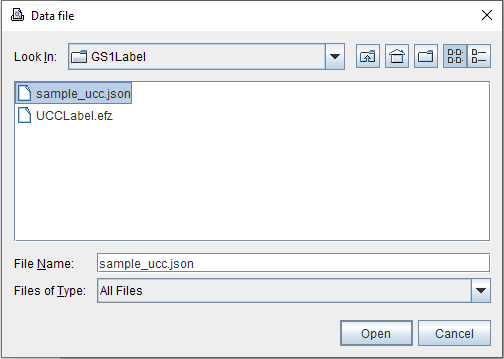
- Open the JSON file in the eFORMz Composer.
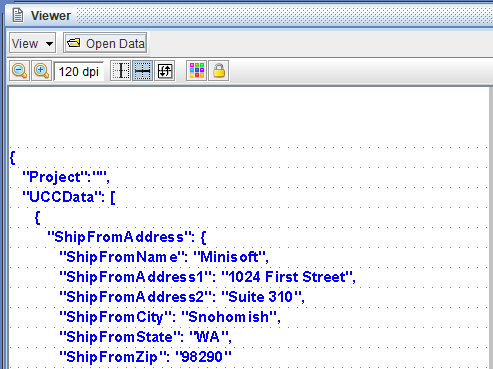
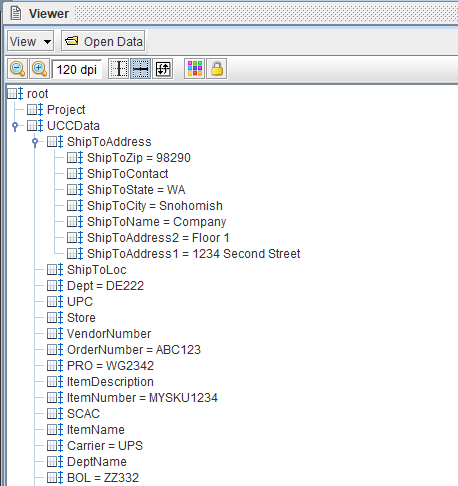
- The JSON file will appear in the Viewer.
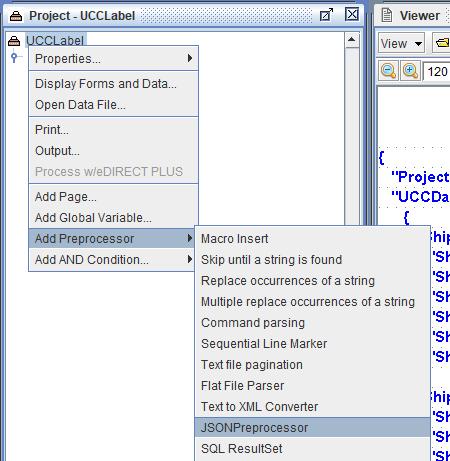
- Right-click the project and select:
- Add Preprocessor.
- JSONPreprocessor.
- In the JSON Preprocessor Properties dialog, enter a value for the XML Root field.
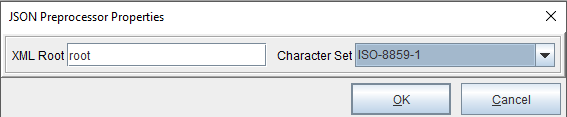
- Choose the appropriate character set, such as ISO-8859-1.
- The JSON file will automatically be converted into XML format.
Assistance
If any further assistance is needed, please contact our Support team.
Comments
0 comments
Article is closed for comments.